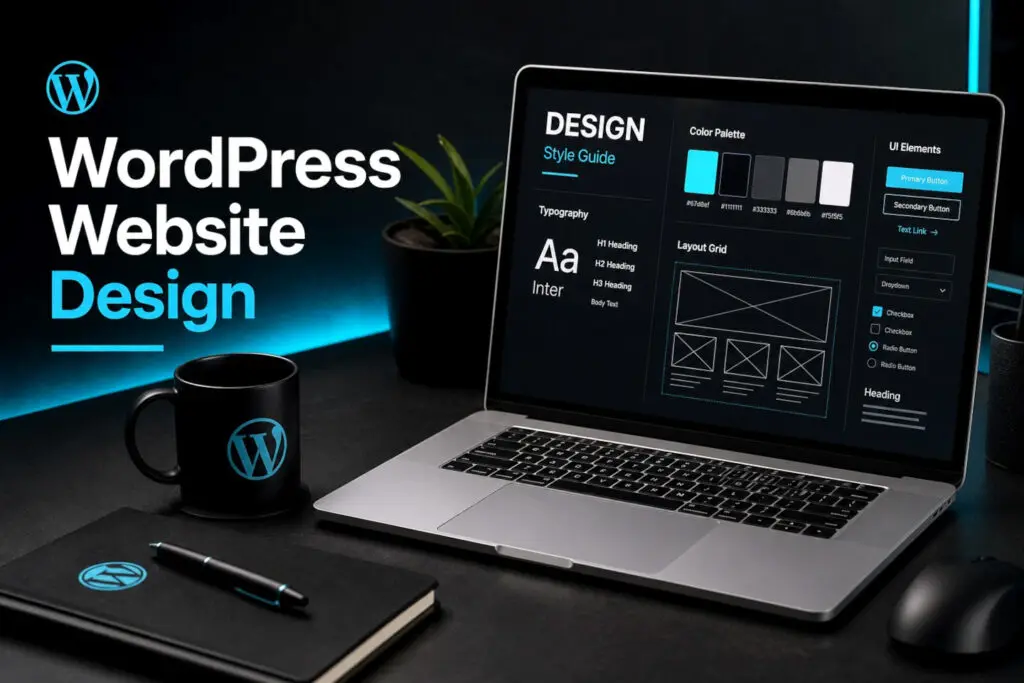
WordPress design work involves a lot of repetition: adjusting spacing across pages, keeping typography consistent between templates, and making the same small change in a dozen places. AI-assisted workflows reduce that overhead and open up options that would otherwise take too long to explore.
Design Exploration and Refactoring
When a layout is not working, AI can help identify what to change and generate alternative approaches to try. That applies to refactoring an existing design as much as starting fresh. Instead of committing to one direction and revising it manually, it becomes practical to explore several options quickly and pick the strongest one before building it out.
Copy Review and Placeholder Content
AI can review page copy for grammar and clarity, which is useful during development when content is still being finalized. It can also generate realistic placeholder content so layouts can be evaluated with real-looking text and headings rather than lorem ipsum that obscures how a design will actually read.
Vector Graphics and Advanced CSS
For simple illustrations, icons, and decorative graphics, AI can produce SVG output that gets used directly without a separate design tool. On the CSS side, it can write advanced styling that would otherwise require a plugin: custom animations, complex grid layouts, and responsive typography adjustments. Fewer plugins means less maintenance risk and faster load times.
Content Management in a Repository
AI works well with content stored as files in a version-controlled repository. That means content edits, copy revisions, and page structure changes can be reviewed, versioned, and rolled back the same way code is. It also makes it easier to move content between environments without relying on database exports or manual WordPress admin work.
Consistency Across Multiple Sites
Agencies managing several client sites face a recurring problem: customizations made on one site are hard to track and harder to replicate consistently elsewhere. AI can help document those customizations, identify patterns across sites, and apply changes systematically rather than site by site. Minor updates that would otherwise require touching every page manually become straightforward to batch.
A follow-up post will cover how this site puts these practices into use: managing design, reducing plugin dependencies, and handling all content through AI without relying on the WordPress dashboard for day-to-day work.